BuilderMojo
    Toolkit
    Menu Builder
    Restaurant Hero
    Hospitality & Dining Suite

    The Easiest Way to Create a Digital QR Menu

    Modernize your restaurant or cafe with a stunning, mobile-optimized digital menu. Zero printing costs, instant updates, and 100% contactless.

    Digital Menu Builder

    Digital Menu Builder

    Create a stunning, mobile-first menu for your restaurant or cafe. No subscription needed. Just add your items and get your QR code.

    Business Details

    Menu Categories1

    Live Mobile Preview

    Business Name

    Your catchphrase goes here

    Main Course

    Classic Burger

    $12.99

    Juicy patty with fresh lettuce and tomato

    All prices are inclusive of GST / Taxes

    Crafted by BuilderMojo
    9:41
    5G100%

    How to share?

    Once your menu is ready, download the QR code and print it on table standees, windows, or coasters. Your customers can scan it with their phone camera to view this menu instantly without any app.

    Professional Digital Dining Solution

    In today's fast-paced hospitality industry, providing a seamless and hygienic dining experience is paramount. Our **Free Digital Menu Builder** empowers restaurant owners, cafe managers, and hospitality professionals to create stunning, mobile-optimized menus in minutes. Skip the expensive printing costs and the hassle of manual updates. With our tool, you can instantly generate a custom QR code that leads your customers directly to a beautiful digital representation of your offerings. Whether you run a fine-dining establishment or a cozy neighborhood cafe, our platform provides the professional touch required to impress your guests from the moment they sit down.

    Why Switch to a Digital QR Menu?

    Modernize your service with features that drive efficiency and safety.

    Contactless & Hygienic

    Zero Printing Costs

    Mobile-First Design

    Eco-Friendly Solution

    Build Your Digital Menu in 4 Steps

    No design or technical skills required. Just add your items and go live.

    1

    Brand Your Menu

    2

    Define Categories

    3

    Add Your Items

    4

    Launch & Print

    Pro Tips for a Successful Menu

    A digital menu is your most important salesperson. Make it appetizing.

    1

    Write Mouth-Watering Copy

    Since customers can't see the food yet, use sensory words like 'crispy' or 'hand-crafted'.

    2

    Display QRs Strategically

    Don't just hide them. Use branded standees at the entrance and on every tabletop.

    3

    Check Your Contrast

    Ensure your menu's accent color has high contrast against the background for low-light legibility.

    4

    Keep it Organized

    Use clear categories and descriptive tags to help guests find their favorites quickly.

    Built for Every Dynamic Business

    Discover how different establishments leverage digital menus for success.

    Table-Service Restaurants

    Fast-Casual Cafes

    Bars & Craft Lounges

    Hotel Room Service

    Contents

    • The Shift to Digital Dining
    • Driving Operational Efficiency
    • Enhancing the Guest Experience

    Revolutionizing Hospitality with Digital QR Menus

    Discover how switching to digital menus can reduce costs, improve guest safety, and streamline your restaurant operations.

    The Shift to Digital Dining

    The hospitality industry is undergoing a massive digital transformation. QR-based digital menus have transitioned from a 'pandemic necessity' to a 'modern expectation'.

    They offer a contactless, hygienic, and incredibly efficient way for guests to browse your offerings without the need for physical menus that are expensive to print and maintain.

    Driving Operational Efficiency

    Digital menus allow for real-time updates. If an item is out of stock or a price needs adjusting, you can make the change instantly in our builder without reprinting a single page.

    This flexibility ensures your guests always see accurate information, reducing staff workload and improving overall customer satisfaction.

    • Instant updates for seasonal specials or price changes.
    • Zero printing and lamination costs.
    • Improved hygiene with contactless browsing.
    • Eco-friendly reduction in paper waste.

    Enhancing the Guest Experience

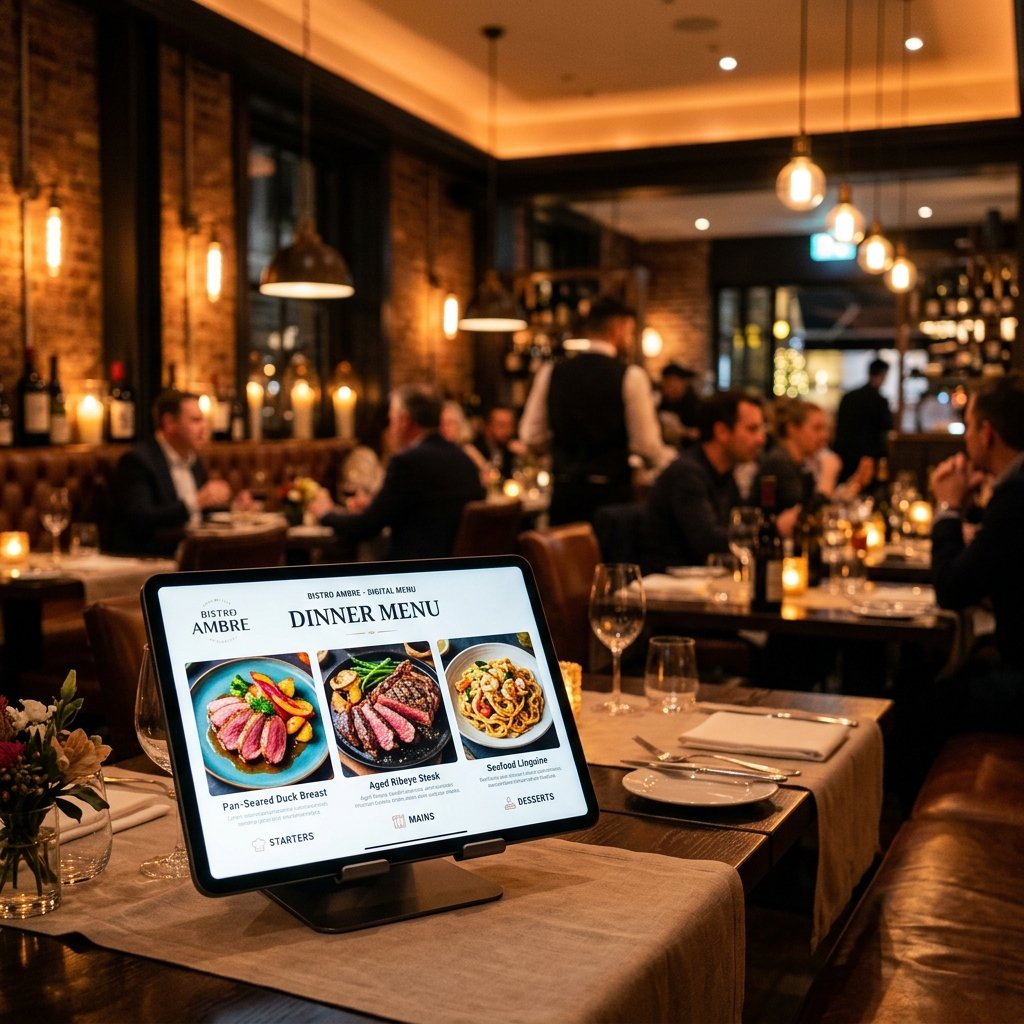
    A well-designed digital menu is more than just a PDF on a screen. Our mobile-optimized layouts allow guests to easily navigate categories, view beautiful dish photos, and find specific information like dietary tags.

    • High-quality dish imagery to stimulate appetite.
    • Clear categorization for easy browsing.
    • Mobile-optimized design for effortless reading on any device.
    • Multilingual support to cater to international guests.

    Frequently Asked Questions

    Is the digital menu builder free?
    Yes, our tool is 100% free to use with no hidden subscriptions or limits.
    Do customers need an app to scan?
    No, most modern smartphones can scan QR codes directly from the default camera app.
    Can I update the menu later?
    Absolutely! Simply return to the editor, make your changes, and the digital page updates live.
    Is the menu mobile optimized?
    Yes, every menu you create is designed to look beautiful and professional on any mobile device.
    BuilderMojoToolkit

    Free Online Tools – Generate QR Codes, Invoices, Email Signatures, Resumes, Quotations, Barcodes and more with ease. Fast, simple, and reliable.

    Resources

    • QR Code Builder
    • Invoice Builder
    • Email Signature Maker
    • Resume Builder
    • Quotation Creator
    • Animated QR Code
    • Barcode Builder
    • Barcode Reader

    Legal

    • Privacy Policy
    • Terms & Conditions
    • FAQ
    • Feedback
    • Blog

    Share

    Made with by Indian

    © 2026 BuilderMojo. All rights reserved.